
Collections explained, and steps on how to create, edit, and manage them.
A collection is defined as a group of products mapped together for a sales outcome. This may be done at a brand level, category level or platform level.
Collections may be defined by the brand, in which case, the collection only features products from that brand. For example, a 'Back to School' collection by Adidas - which may include shorts, shoes, underwear & socks, and some backpacks.
They may also be defined by the Andisor team - also known as 'Curations'. In this case, the collection will likely showcase products from multiple brands. For example, a collection curated by the Andisor team called 'Back to School' may feature products from many different brands, and across multiple product categories.
Collections - Supplier Onboarding - Watch Video
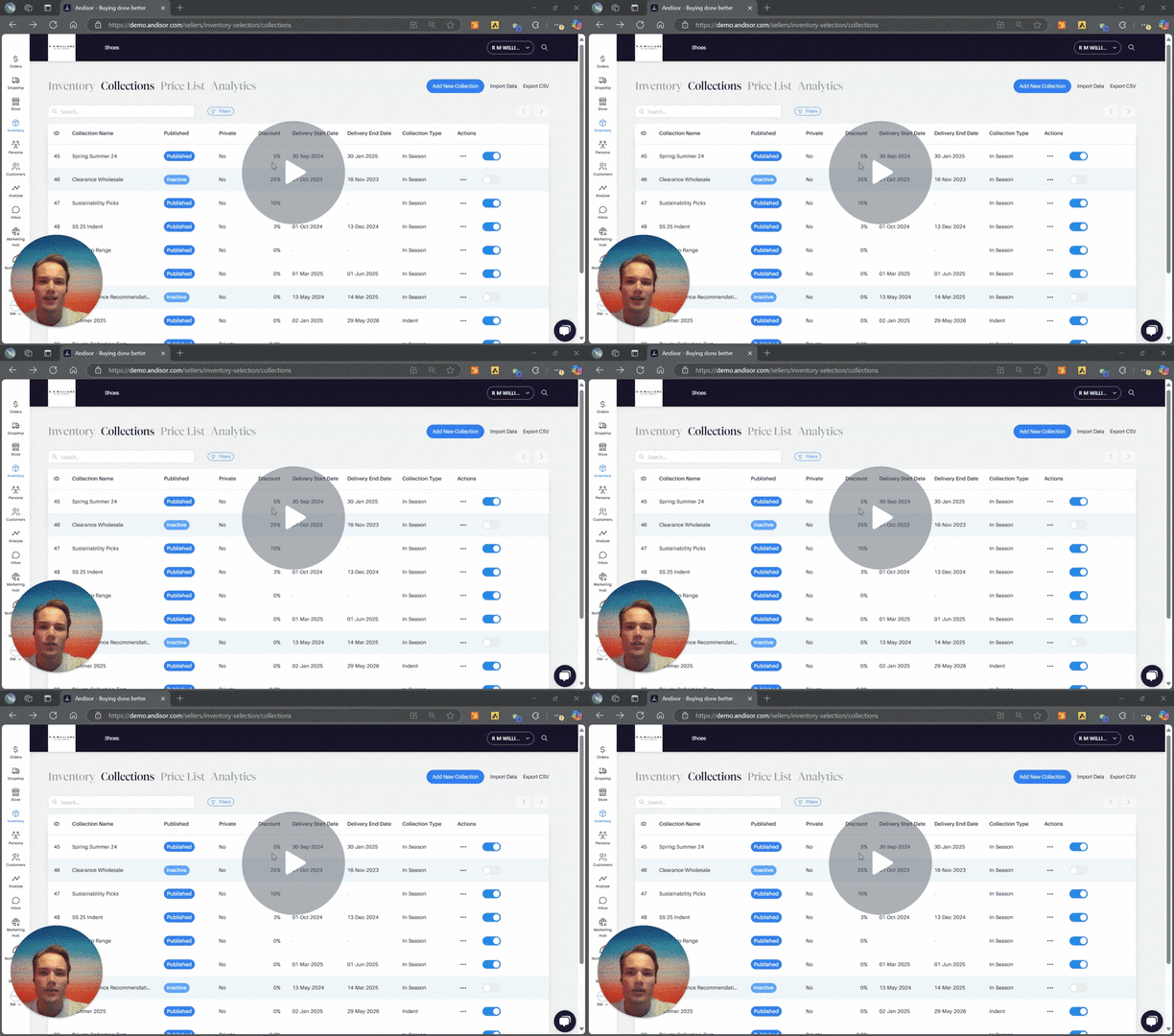
How do I create a collection?
To create a new collection:
- Navigate to your Inventory hub.
- Select Collections from the top menu.
- Select Add New Collection from the top right hand corner of your browser
- Give your collection a Name, Descriptions, Start and End Date, Discount, and whether it is for pre-orders, or in-season discounts.
- Choose the products that you want to allocate to this collection.
- Save